> ## Documentation Index
> Fetch the complete documentation index at: https://docs.poix.io/llms.txt
> Use this file to discover all available pages before exploring further.
# Logs
> Page to get logs usage, metrics, errors and other information
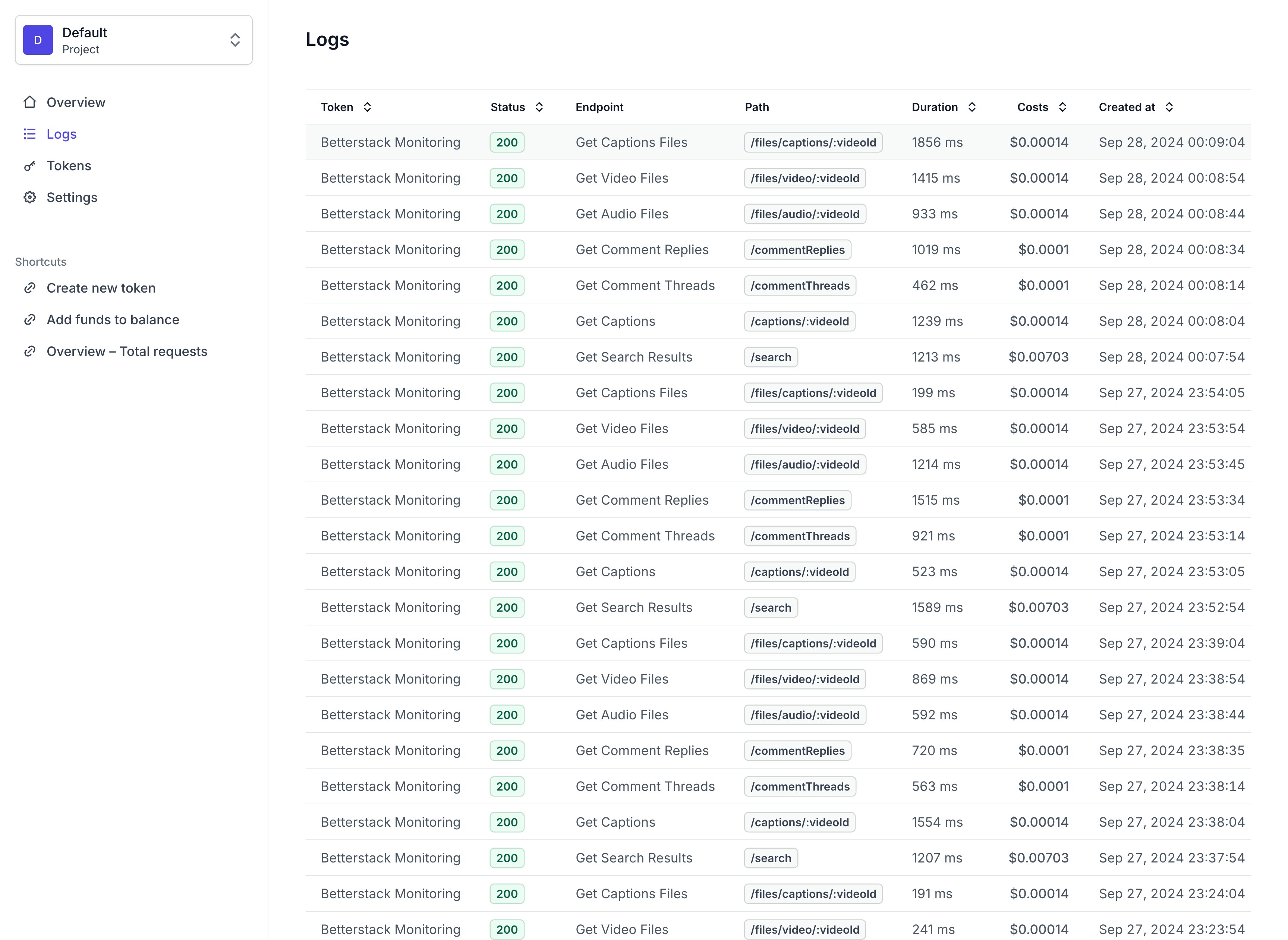
 ### Logs Overview
* **Token** - The token used to make the request.
* **Status** - The status of the request.
* **Endpoint** - The endpoint that was called.
* **Path** - The path of the request.
* **Duration** - The time it took to process the request. (in milliseconds)
* **Costs** - The cost of the request.
* **Created at** - The date and time of the request.
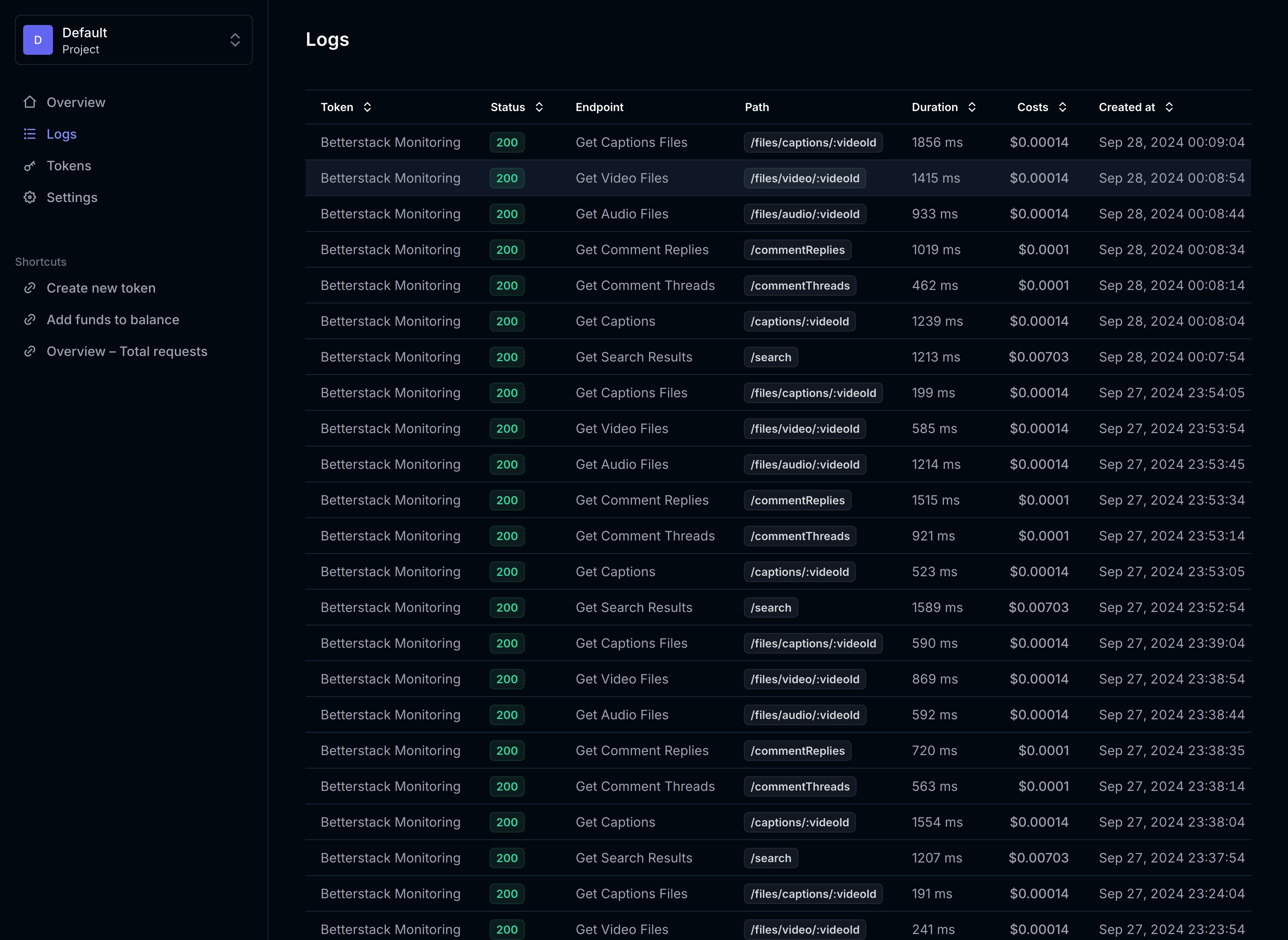
### Logs Overview
* **Token** - The token used to make the request.
* **Status** - The status of the request.
* **Endpoint** - The endpoint that was called.
* **Path** - The path of the request.
* **Duration** - The time it took to process the request. (in milliseconds)
* **Costs** - The cost of the request.
* **Created at** - The date and time of the request.